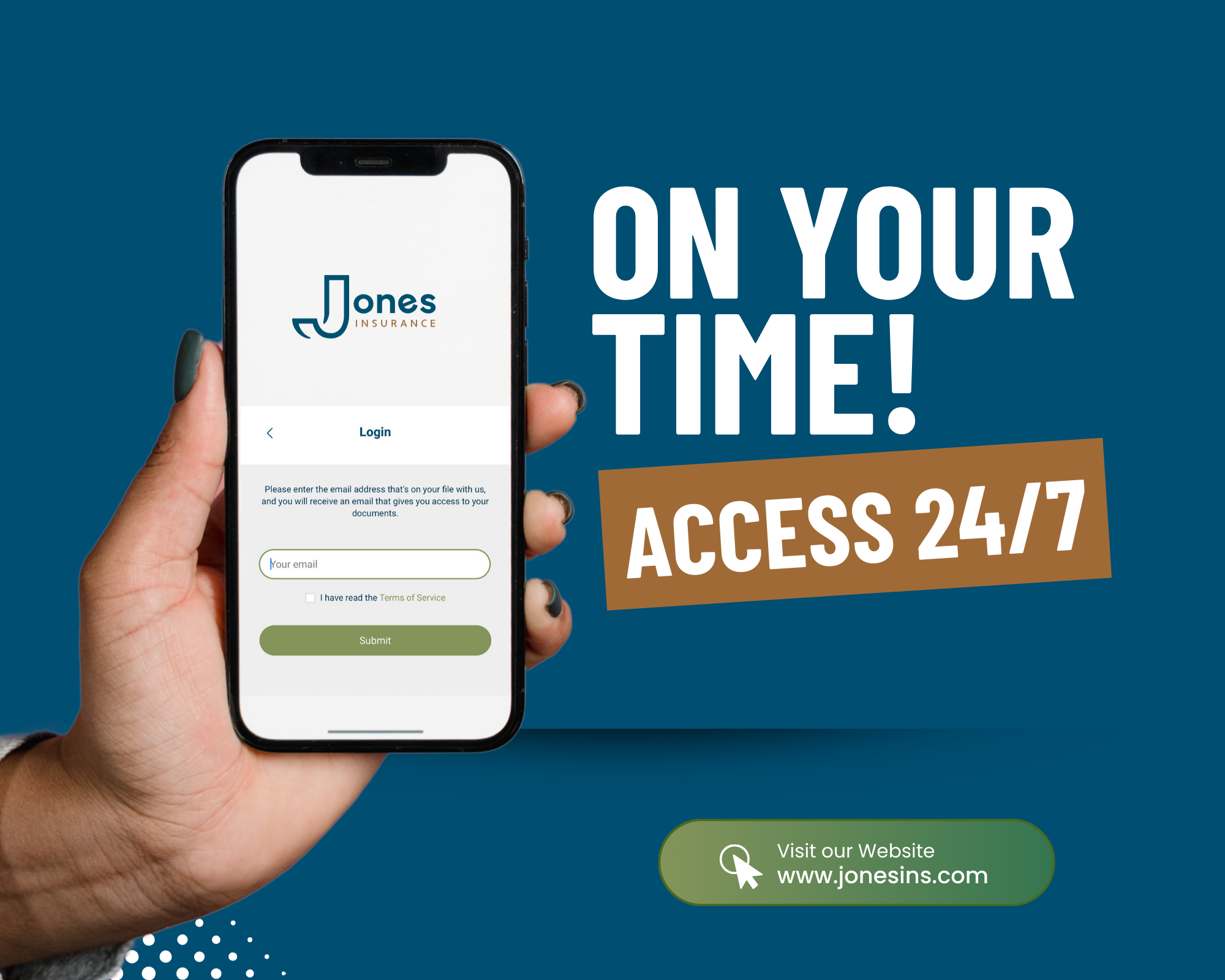
Need your insurance documents for tax season or personal records? The Jones Insurance Client Portal makes it easy to access your information whenever you need it.
The portal is a secure, self-service tool you can use from your computer or smartphone, giving you 24/7 access to your insurance details, all in one place.
What you can do in the client portal
With the Jones Insurance Client Portal, you can:
- View and download policy documents and electronic pink slips
- Make payments securely
- Submit policy change requests
- Keep an inventory of your personal belongings
- Access your information anytime, day or night
How to Log In
Getting started is simple:
- Provide an email address to your broker, this will become your User ID
- Visit www.jonesins.com
- Click on “Client Portal”
- Enter your User ID
- Check your inbox for a One-Time Code (OTC)
- You’re in!
Tip: If you don’t see the code, please check your junk or spam folder and whitelist info@jonesins.com.
The Client Portal is designed to make managing your insurance easy, secure, and convenient, especially during busy times like tax season.
Visit www.jonesins.com to get started today.